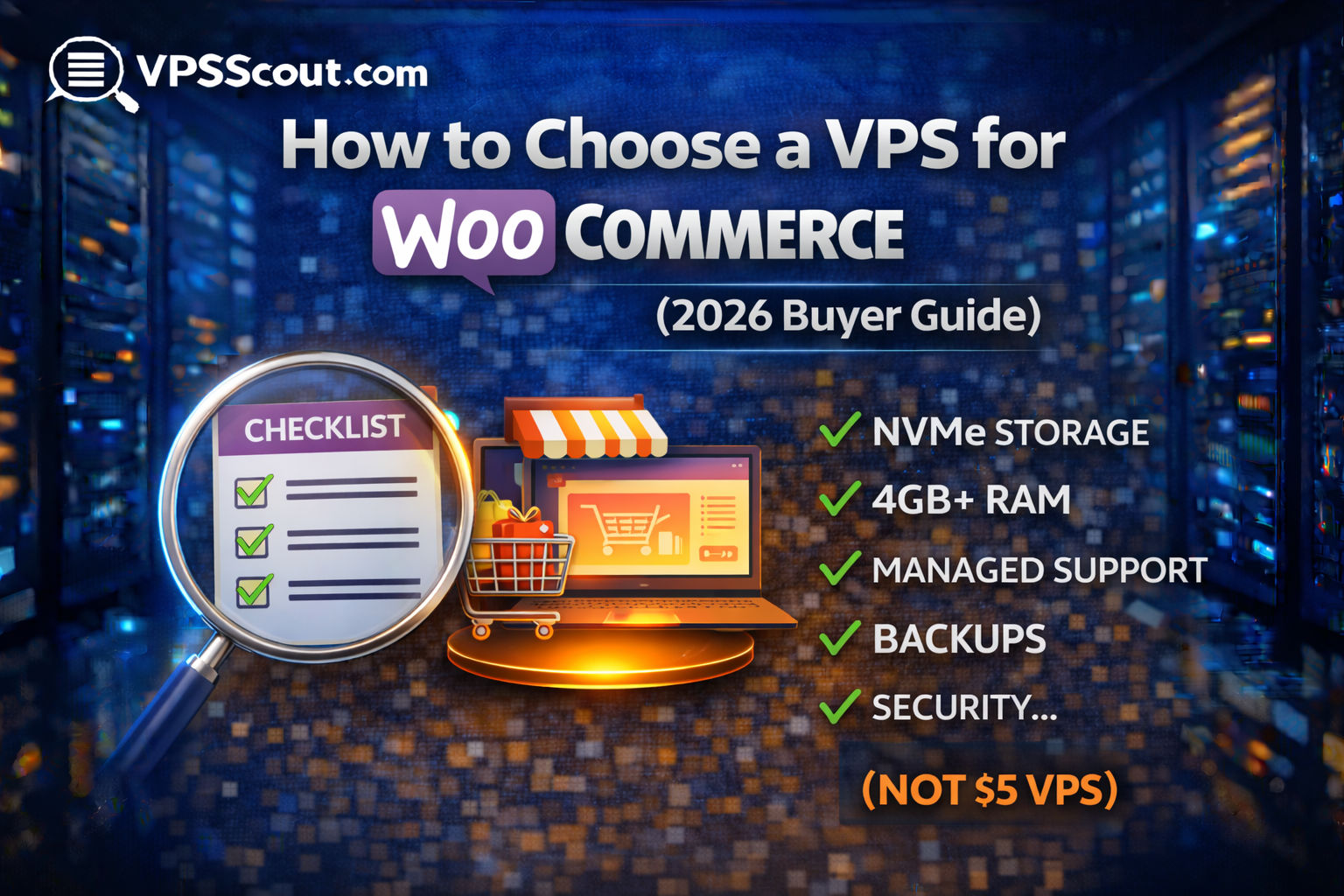
Choosing a VPS for WooCommerce is not the same as choosing a VPS for a blog.
WooCommerce is heavier, more dynamic, and far more sensitive to slow hosting because it depends on:
- database performance
- user sessions
- cart + checkout speed
- inventory and product queries
So if you pick the wrong VPS, you’ll feel it immediately:
- slow product pages
- slow admin dashboard
- checkout delays
- random 500/502 errors
- cart issues during traffic spikes
This guide shows you exactly how to choose the right VPS for WooCommerce, with real-world specs and a simple checklist.
Quick Answer (Best WooCommerce VPS Setup)
If you want the simplest recommendation:
✅ 4 vCPU + 8GB RAM + NVMe
This is the “sweet spot” for most serious WooCommerce stores in 2026.
If you’re just starting:
✅ 2 vCPU + 4GB RAM + NVMe
This is the minimum you should aim for.
Why WooCommerce Needs a Better VPS
WooCommerce is built on WordPress, but it adds heavy workloads like:
- cart sessions
- customer accounts
- checkout processing
- payment gateways
- product filtering and search
- order management in wp-admin
All of that generates constant database queries.
That’s why WooCommerce performance depends heavily on:
1) RAM
2) Storage (NVMe)
3) CPU stability
4) Uptime + backups
Step 1: Choose the Right RAM (Most Important)
If you choose too little RAM, WooCommerce will crash under load.
WooCommerce RAM recommendations (2026)
Small store (up to ~100 products)
- Minimum: 4GB
- Recommended: 8GB
Medium store (100–1,000 products)
- Recommended: 8GB
- Best: 16GB
Large store (1,000+ products)
- Recommended: 16GB+
Read next: VPS RAM requirements
Step 2: Choose NVMe Storage (Huge Impact)
WooCommerce is database-heavy.
So storage performance affects:
- product pages
- search
- filtering
- checkout
- admin speed
NVMe is strongly recommended.
SSD can work, but NVMe is the better choice for ecommerce.
Read next: SSD vs NVMe VPS
Step 3: Choose CPU Cores (Based on Traffic)
CPU matters most during:
- traffic spikes
- checkout bursts
- plugin-heavy processing
- admin tasks
WooCommerce CPU recommendations (2026)
Small store
- 2 vCPU minimum
- 4 vCPU recommended
Medium store
- 4 vCPU recommended
Large store
- 8 vCPU+
Read next: VPS CPU requirements
Step 4: Don’t Ignore Bandwidth
WooCommerce stores use bandwidth for:
- product images
- customer browsing
- checkout scripts
- admin usage
For most stores, 1TB is enough — but if you have lots of product images, you’ll want more.
Step 5: Choose the Right VPS Location
Your VPS location affects speed more than most people realize.
If your customers are mostly in:
- the US → choose US datacenter
- Europe → choose EU datacenter
- Latin America → choose Miami or Texas (usually best)
Read next: How to choose VPS location
Step 6: Managed vs Unmanaged VPS (Critical Decision)
WooCommerce is not the easiest thing to run on an unmanaged VPS.
Choose Managed VPS if:
- you don’t want Linux headaches
- you want help with security and updates
- you want support when something breaks
Read next: Best managed VPS hosting
Choose Unmanaged VPS if:
- you’re technical
- you want maximum performance per dollar
- you know how to secure Linux
Read next: Managed vs unmanaged VPS
Step 7: Look for Backup + Restore Options
WooCommerce stores change constantly:
- new orders
- customer data
- product updates
If you don’t have backups, one issue can wipe your store.
Your VPS must have:
- automated backups
- easy restore
- snapshots (ideal)
Read next: VPS backup strategy
Step 8: Security Matters More for Ecommerce
WooCommerce stores are targeted constantly.
Your VPS setup should include:
- firewall rules
- SSH hardening
- malware scanning
- automatic updates
- SSL
- strong admin passwords
- WAF/CDN (Cloudflare)
Read next: How to secure a VPS
Step 9: Make Sure the VPS Can Scale
WooCommerce stores grow.
A good VPS provider should allow:
- easy upgrades (RAM/CPU)
- adding storage
- moving to a bigger plan without migrating
Read next: Scalable VPS hosting
WooCommerce VPS Checklist (Copy/Paste)
Before buying, confirm:
✅ NVMe storage
✅ 4GB RAM minimum (8GB recommended)
✅ 2–4 vCPU minimum
✅ Datacenter near your customers
✅ Backups included (or available)
✅ Upgrade path is easy
✅ Good uptime reputation
✅ Managed support if you’re not technical
Best VPS Providers for WooCommerce (2026)
If you want the best providers for WooCommerce hosting:
➡️ Best VPS for Ecommerce (WooCommerce + Magento)
And for WordPress-specific VPS picks:
Common Mistakes WooCommerce Store Owners Make
❌ Choosing a $5 VPS
A $5 VPS is not ecommerce hosting.
Read next: Can you trust a $5 VPS?
❌ Using 2GB RAM for WooCommerce
It may work at first, but it will crash later.
❌ Ignoring backups
This is the fastest way to lose your store.
❌ Hosting email on the same VPS
Bad for security and deliverability.
FAQ: Choosing a VPS for WooCommerce
What is the best VPS size for WooCommerce?
For most serious stores:
4 vCPU + 8GB RAM + NVMe
Can WooCommerce run on a VPS?
Yes. VPS is one of the best hosting options for WooCommerce because it provides dedicated resources and better stability.
Should I choose managed VPS for WooCommerce?
If you’re not technical, yes. Ecommerce sites need security, backups, and stability.
Is VPS better than managed WooCommerce hosting?
Managed WooCommerce hosting is easier. VPS is more flexible and often cheaper at scale. Managed VPS can be the best balance.
Final Verdict
If you want a WooCommerce store that loads fast and doesn’t crash during checkout:
Don’t choose the cheapest VPS.
Choose:
- enough RAM (8GB recommended)
- NVMe storage
- stable CPU
- backups + security
Next Step
If you want the best providers for ecommerce hosting: