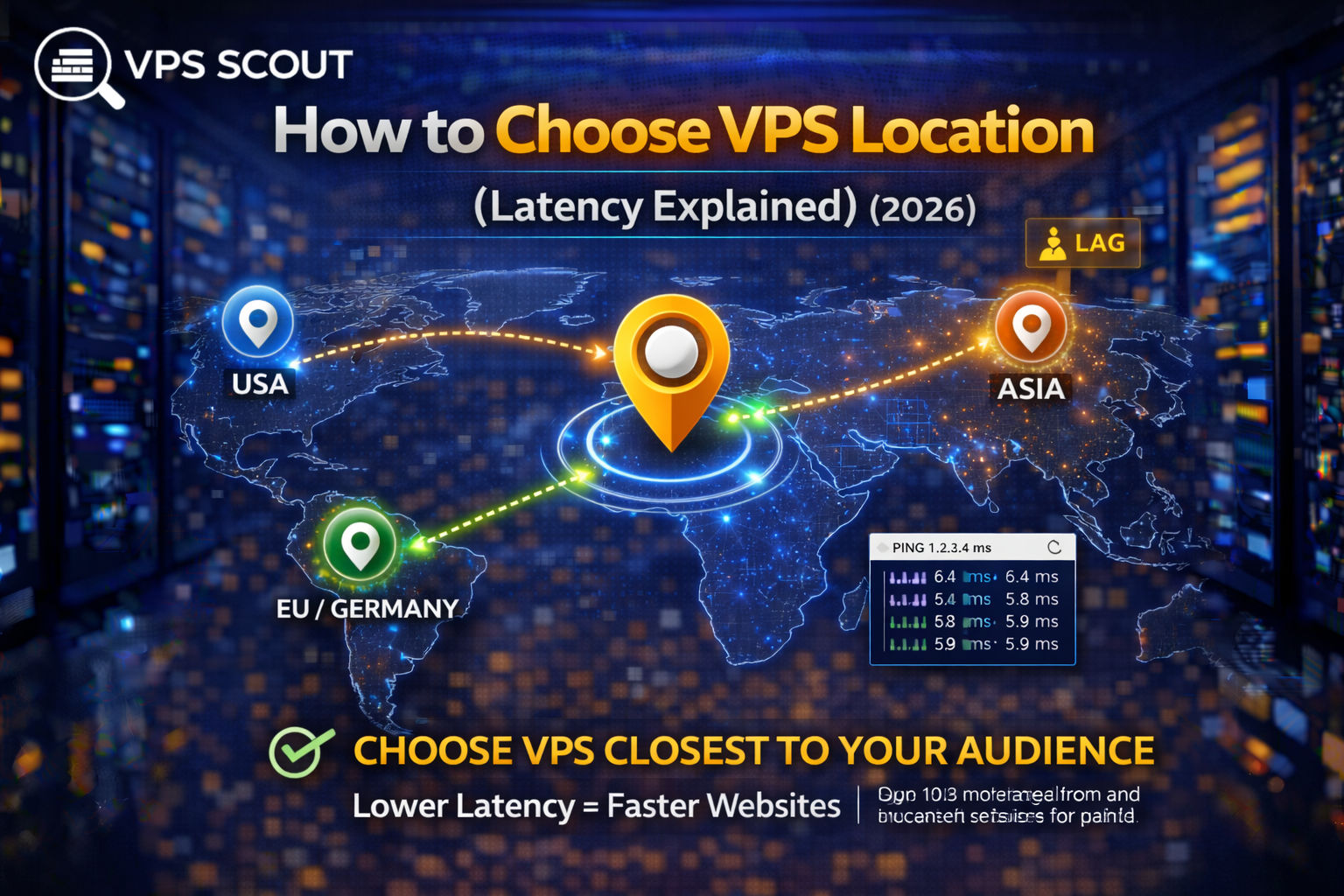
Selecting the optimal VPS location is essential for minimizing latency and improving website performance. Proximity to the target audience reduces the time data travels between the server and visitor. This physical distance impacts page load speeds, user experience, and search engine optimization metrics like Core Web Vitals.
For global audiences, combining a strategically located VPS with a Content Delivery Network ensures faster speeds worldwide. While CDNs cache static files, the primary server location remains critical for dynamic requests. Testing latency through ping tests or looking glass tools helps verify performance before committing to a provider.
Choosing the right VPS location is one of the easiest ways to make your website faster.
And it’s also one of the most misunderstood parts of VPS hosting.
Because many people assume:
“If the VPS is powerful, location doesn’t matter.”
But in reality:
✅ A fast VPS in the wrong country can feel slower than a weaker VPS in the right city.
This guide explains how VPS location affects latency, what “low latency” really means, and how to choose the best datacenter location for your audience.
Quick Answer: Best VPS Location Rule
If you want the simplest rule:
Choose the VPS location closest to most of your visitors.
That usually gives you:
- lower latency
- faster page loads
- better Core Web Vitals
- better conversions
What Is Latency? (Simple Explanation)
Latency is the time it takes for data to travel between:
- your visitor’s device
and - your VPS server
Latency is measured in milliseconds (ms).
Lower latency = faster response time.
Even if your server is extremely fast, latency adds delay.
Latency vs Speed (Important Difference)
A lot of people confuse latency and bandwidth.
Latency = response time
How fast your server responds.
Bandwidth = transfer capacity
How much data can be transferred.
For websites, latency matters more than bandwidth.
Why VPS Location Matters So Much
Every time someone visits your site, their browser must connect to your server.
That connection includes:
- DNS lookup
- TLS handshake (HTTPS)
- server response
- loading images/scripts
Latency affects all of those steps.
Example (Real-World)
If your visitors are in London but your VPS is in Los Angeles:
Your site will feel slower because every request travels across the Atlantic.
Even if your VPS has:
- 8 vCPU
- 16GB RAM
- NVMe
Location still adds delay.
How Much Latency Is “Good” for a Website?
Here’s a good reference:
- 0–30ms → excellent
- 30–60ms → very good
- 60–100ms → acceptable
- 100–200ms → slow
- 200ms+ → noticeably slow
For ecommerce, you want to stay as low as possible.
Read next: Best VPS for Ecommerce
Best VPS Location Strategy (2026)
Step 1: Identify where your visitors are
If you already have a site, check:
- Google Analytics
- Search Console
- Cloudflare analytics
If you don’t have traffic yet, use:
- your target market
- your business location
- your main customer region
Step 2: Choose the nearest major datacenter region
Pick a VPS location near your biggest audience.
Examples:
- US audience → USA datacenter
- EU audience → Germany/Netherlands
- UK audience → London
- LATAM audience → Miami or Dallas
Step 3: Use a CDN for global performance
A VPS location is important, but it won’t magically make you fast worldwide.
If you have global visitors, use a CDN like Cloudflare.
A CDN helps by caching:
- images
- CSS/JS
- static files
- sometimes full pages
Best VPS Locations by Region (Easy Guide)
🇺🇸 If your audience is in the USA
Best locations:
- Virginia (US East)
- New York / New Jersey
- Chicago
- Dallas
- Los Angeles
Read next: Best VPS Hosting in the USA
🇪🇺 If your audience is in Europe
Best locations:
- Germany (Frankfurt)
- Netherlands (Amsterdam)
- UK (London)
Read next: Best VPS Hosting in Europe
🇬🇧 If your audience is in the UK
Best location:
- London
🌎 If your audience is in Latin America
Latin America is tricky because fewer providers have LATAM datacenters.
Best choices:
- Miami
- Dallas
- sometimes New York
These locations usually give the best routing into LATAM.
🌏 If your audience is in Asia
Best locations:
- Singapore
- Tokyo
- Seoul
- Mumbai
What If Your Visitors Are Worldwide?
If you have global traffic, you have 3 options:
Option 1: Choose the location where most visitors are
This is the best approach for most sites.
Then use Cloudflare CDN.
Option 2: Use multi-region cloud hosting
This is advanced and expensive.
It’s usually for:
- SaaS
- large ecommerce
- global apps
Read next: VPS vs Cloud Hosting
Option 3: Use multiple VPS servers
This is also advanced.
Not recommended for beginners.
VPS Location vs SEO (Does It Matter?)
Yes, but not in the old way.
Google does not rank you based only on server country anymore.
But VPS location affects:
- site speed
- Core Web Vitals
- user experience
And those factors absolutely affect SEO.
How to Test Latency to VPS Locations
Before you choose a VPS location, you can test latency.
Option 1: Ping test
Most VPS providers publish test IPs.
You can run:
ping 1.2.3.4
Option 2: Looking glass tools
Some providers offer “looking glass” pages.
Option 3: CDN analytics
If you use Cloudflare later, you can see global performance.
Common Mistakes When Choosing VPS Location
❌ Choosing the cheapest location
Cheapest doesn’t mean fastest.
❌ Hosting in Europe for a USA audience
Your site will feel slower.
❌ Assuming CDN replaces server location
CDNs help, but dynamic requests still hit your server.
❌ Ignoring ecommerce latency
Checkout speed is very sensitive.
FAQ: VPS Location and Latency
Does VPS location really matter?
Yes. It directly affects latency, and latency affects real page speed.
What is the best VPS location for SEO?
The best VPS location is the one closest to your users, because it improves Core Web Vitals.
Should I host in the USA or Europe?
Host where your visitors are. If most are in the USA, host in the USA. If most are in Europe, host in Europe.
Can I host in one location and serve worldwide?
Yes, but you should use a CDN like Cloudflare for global performance.
Final Verdict: How to Choose VPS Location
If you want the simplest recommendation:
✅ Host your VPS close to your audience
✅ Use Cloudflare CDN for global caching
✅ Don’t overthink it
For most websites, location + CDN is enough.
Next Step
If you want the best providers by region: