If you own a VPS, backups are not optional.
Because eventually, one of these will happen:
- your VPS gets hacked
- you misconfigure something and break the server
- your disk fails
- an update breaks your stack
- you delete the wrong folder
- your provider suspends your account
- ransomware hits your files
And if you don’t have backups, the result is always the same:
You lose your site.
This guide covers VPS backup best practices in 2026, including:
- what to back up
- how often to back up
- the best tools
- snapshots vs full backups
- the safest backup strategy for beginners
Quick Answer: Best VPS Backup Strategy (2026)
If you want the simplest and safest setup:
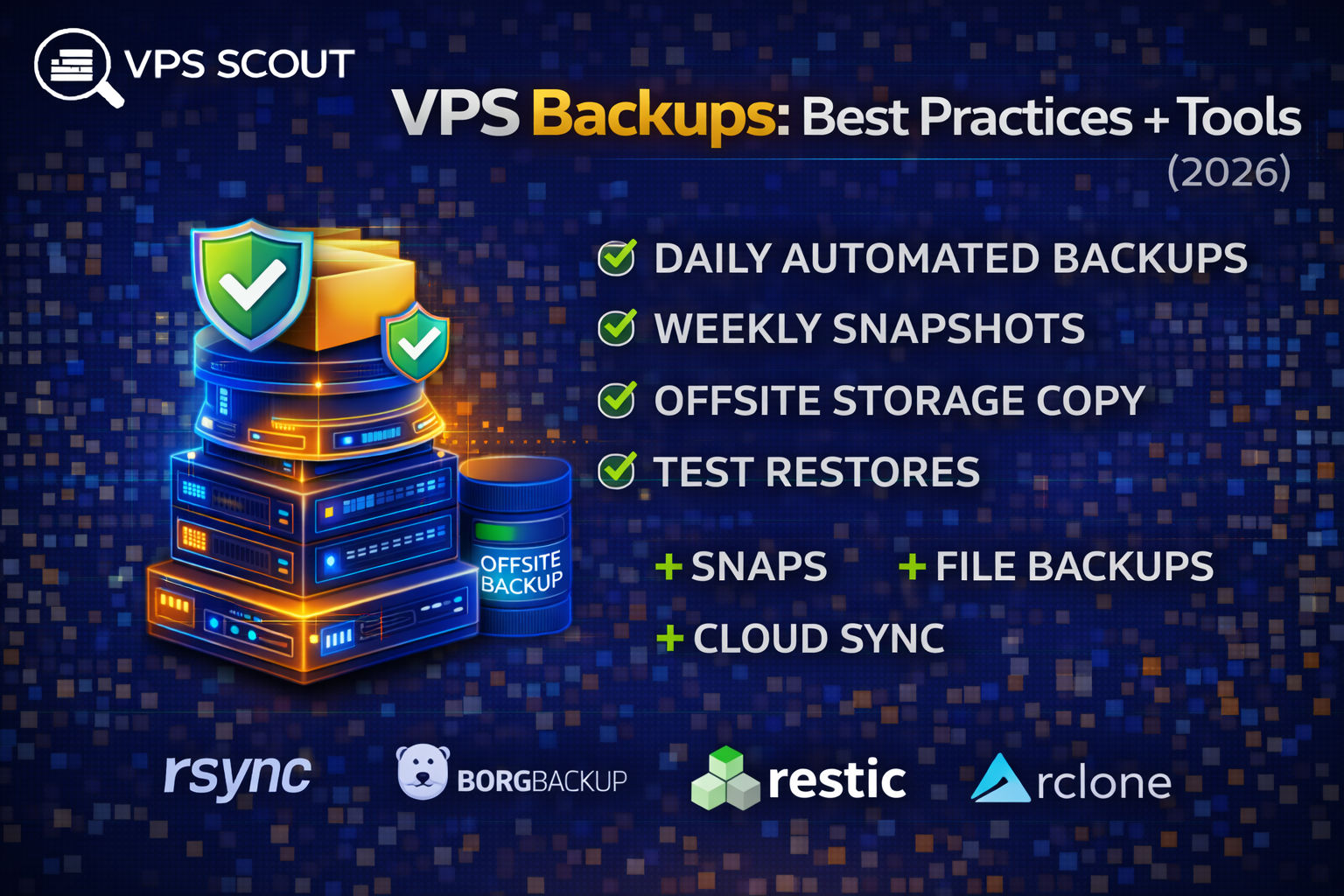
✅ Daily automated backups (provider or tool)
✅ Weekly snapshots
✅ Offsite backup copy (different provider)
✅ Test restores once per month
That’s the “real-world” strategy used by most serious VPS owners.
Why VPS Backups Matter (Even More Than Shared Hosting)
On shared hosting, the provider often:
- manages backups
- restores things for you
On a VPS, you’re responsible.
And a VPS gives you enough control to break everything fast 😅
The 3 Types of VPS Backups
1) VPS Snapshots (Fastest Recovery)
A snapshot is a full copy of your VPS disk.
Pros
- restore in minutes
- perfect for rollback
- easy for beginners
Cons
- stored with the provider
- not always “offsite”
- can be expensive
2) File-Level Backups (Most Flexible)
This backs up your:
- website files
- configs
- databases
Pros
- restore individual files
- more storage-efficient
- good for long-term retention
Cons
- harder to restore full server quickly
- requires automation
3) Offsite Backups (Most Important)
Offsite means:
- not stored on the same VPS
- not stored in the same provider account
This is the difference between:
- “I have backups”
and - “I can recover after disaster”
What You MUST Back Up on a VPS
A good backup strategy includes:
✅ 1) Website/App Files
Examples:
/var/www/- Docker volumes
- app uploads
✅ 2) Databases
Examples:
- MySQL / MariaDB
- PostgreSQL
- Redis (optional)
Database backups are critical.
✅ 3) Server Config Files
At minimum:
- Nginx configs (
/etc/nginx/) - Apache configs
- SSL configs
- Docker Compose files
.envfiles
✅ 4) User Data
Anything uploaded by users:
- images
- product files
- customer uploads
VPS Backup Best Practices (2026)
1) Follow the 3-2-1 Rule
This is the gold standard:
- 3 copies of your data
- stored on 2 different storage types
- with 1 copy offsite
Even a simple version works well:
- snapshot (provider)
- daily backup (local)
- offsite backup (cloud)
2) Automate Everything
Manual backups don’t work long-term.
Automation is what separates:
- “good intentions”
from - “real protection”
3) Backups Must Be Encrypted
If your backups include:
- customer data
- logins
- private keys
They must be encrypted.
Read next: Best Secure VPS Hosting
4) Test Restores (Most People Don’t)
Backups you never tested are not real backups.
At least once per month:
- restore a snapshot
- restore a database dump
- verify your site works
5) Don’t Store Backups on the Same VPS
This is a classic beginner mistake.
If the VPS dies or gets hacked:
- your backups die too
Best Backup Tools for VPS Hosting (2026)
Here are the most useful tools (depending on your setup):
1) Provider Backups (Easiest)
Most VPS providers offer:
- automated backups
- snapshots
This is the easiest way to start.
But you should still have an offsite copy.
2) rsync (Simple + Reliable)
rsync is a classic tool for file backups.
Example:
rsync -avz /var/www/ user@backupserver:/backups/vps1/
Best for:
- Linux users
- simple file-level backups
3) BorgBackup (Best for Serious Backups)
Borg is excellent because it supports:
- deduplication
- compression
- encryption
It’s one of the best VPS backup tools for Linux.
4) Restic (Best Beginner-Friendly Modern Tool)
Restic is a modern backup tool that supports:
- encryption
- incremental backups
- cloud storage
It’s perfect for:
- VPS backups to S3 storage
5) rclone (Best for Cloud Storage Sync)
rclone is great for pushing backups to:
- Google Drive
- Backblaze B2
- Amazon S3
- Wasabi
- Dropbox
6) Duplicati (UI-Based Backup Tool)
Duplicati is useful if you prefer a web UI.
But it’s more common in home-lab setups.
Best Cloud Storage Options for VPS Backups
For offsite backups, these are popular:
Backblaze B2
- affordable
- reliable
- easy for restic/rclone
Wasabi
- simple pricing
- good for larger backups
Amazon S3
- best ecosystem
- more complex pricing
Best VPS Backup Strategy (Recommended)
Here’s the strategy VPSScout recommends:
Level 1 (Beginner Safe)
- Provider backups enabled
- Weekly snapshot
Level 2 (Recommended)
- Daily provider backup
- Weekly snapshot
- Offsite copy using rclone
Level 3 (Serious / Business)
- Daily file + DB backups (restic)
- Weekly snapshot
- Offsite backups to B2/S3
- Monthly restore testing
- Monitoring alerts
VPS Backups for WordPress
WordPress sites should back up:
/wp-content/- database
.htaccess/ Nginx configs- uploads
Read next: How to host WordPress on a VPS
VPS Backups for Docker Apps
Docker backups should include:
- Docker volumes
- compose files
.envsecrets- database volumes
Read next: How to deploy Docker apps on a VPS
Common VPS Backup Mistakes
❌ Only using snapshots
Snapshots are great — but not offsite.
❌ No database backups
Your database is your website.
❌ No encryption
Backups can leak sensitive data.
❌ No restore testing
You don’t know if your backups work.
❌ Keeping backups on the same VPS
This is basically “no backups.”
FAQ: VPS Backups
How often should I back up a VPS?
For most sites:
- daily backups
- weekly snapshots
- monthly restore testing
What is the best backup method for VPS?
A combination:
- provider snapshots
- file + database backups
- offsite storage
Are VPS snapshots enough?
Not by themselves. You still need offsite backups.
What’s the best backup tool for VPS?
Restic and Borg are among the best tools in 2026.
Final Verdict: VPS Backups
If you want the simplest advice:
✅ Always have offsite backups
✅ Always automate backups
✅ Always back up databases
✅ Always test restores
Backups are boring… until they save your entire website.