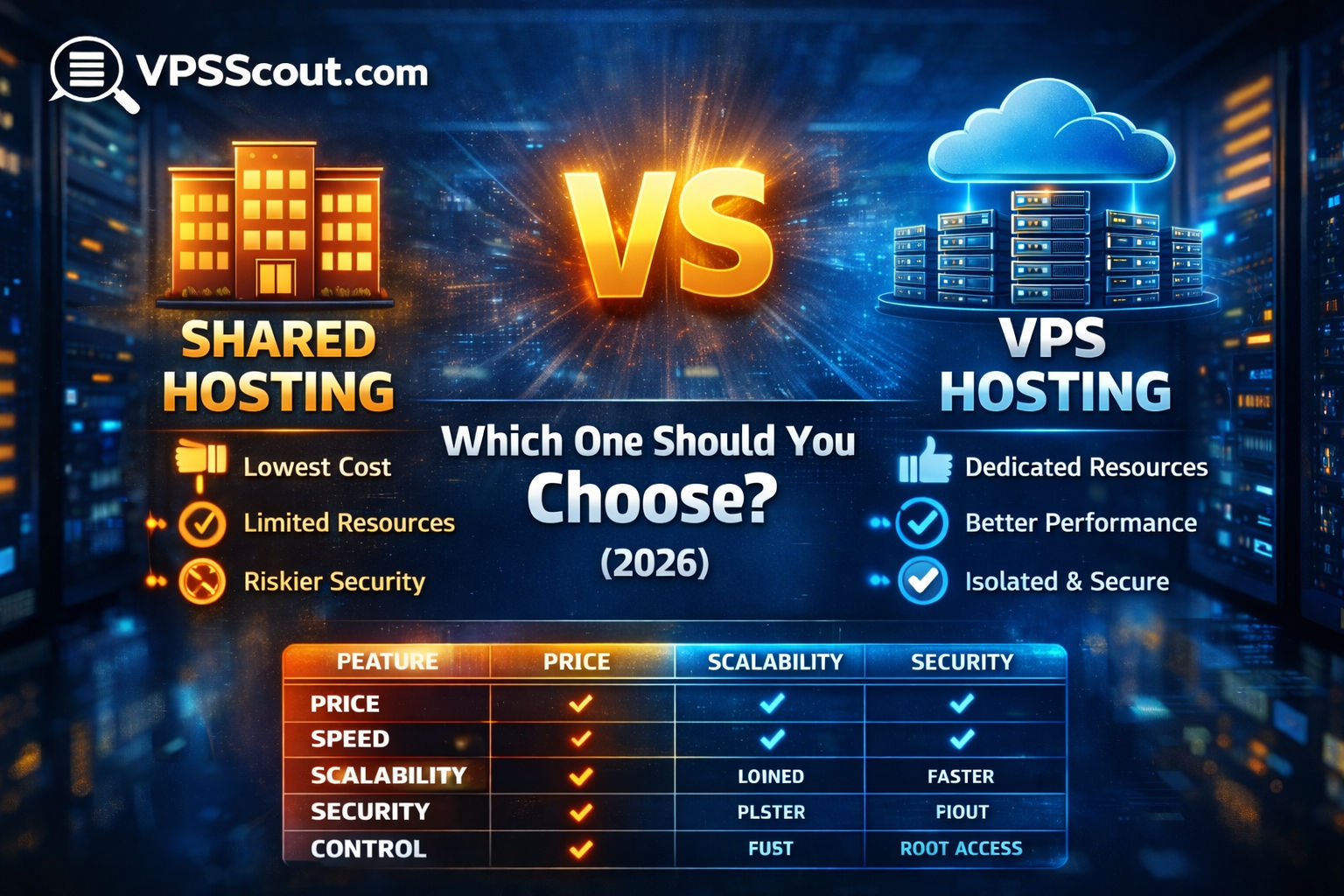
Shared hosting provides an affordable, user-friendly option for small websites by distributing server resources among multiple users. Virtual Private Servers offer isolated environments with dedicated resources, ensuring greater stability, security, and performance. While shared hosting suits beginners, VPS hosting better accommodates growing traffic and advanced customization requirements.
The decision depends on website complexity, traffic volume, and technical expertise. Shared hosting is sufficient for basic portfolios and blogs. However, resource-intensive sites like e-commerce stores benefit from the scalability and control of a VPS. Managed services are recommended for those needing performance without manual server management experience.
If you’re trying to choose between VPS hosting vs shared hosting, the decision usually comes down to one thing:
Do you want the cheapest option… or the option that won’t limit you later?
Shared hosting is perfect for small sites and beginners.
A VPS is better for performance, stability, and growth.
But the “best choice” depends on what you’re building.
In this guide, you’ll learn the differences, the pros and cons, and exactly when you should upgrade to a VPS.
Quick Answer (If You’re in a Hurry)
Choose shared hosting if:
- you’re launching a small website
- you have low traffic
- you want the easiest setup
- your budget is extremely tight
Choose a VPS if:
- your website is slow or unstable
- you run WordPress with heavy plugins
- you run WooCommerce
- you want better security
- you want more control
- you’re growing traffic
What Is Shared Hosting?
Shared hosting means your website is hosted on a server that also hosts hundreds (or thousands) of other websites.
Everyone shares:
- CPU resources
- RAM
- disk I/O
- network bandwidth
That’s why shared hosting is cheap — but it’s also why performance can be inconsistent.
Internal link:
- Read: What is a VPS?
What Is VPS Hosting?
VPS hosting (Virtual Private Server) gives you a virtual server environment with dedicated resources.
You still share the physical machine, but your VPS is isolated and assigned:
- a set amount of RAM
- CPU cores (or guaranteed shares)
- storage
- an operating system
Internal link:
VPS vs Shared Hosting: The Main Differences
1) Performance
Shared Hosting
Performance depends heavily on other users.
If another website on the server spikes in traffic, your site may slow down.
VPS Hosting
Performance is far more stable because your resources are allocated.
✅ Winner: VPS
2) Stability & Uptime
Shared Hosting
Your website can be affected by:
- “bad neighbors”
- hacked sites on the same server
- overloaded accounts
VPS Hosting
Much more stable because your VPS is isolated.
✅ Winner: VPS
3) Security
Shared Hosting
Shared hosting is generally safe, but it comes with risks:
- shared environments
- weaker isolation
- higher chance of cross-account issues
VPS Hosting
VPS isolation provides stronger separation.
But: VPS security depends on how you manage it.
Internal link:
- Read: Secure VPS hosting
- Read: How to secure a VPS
✅ Winner: VPS (if properly configured)
4) Ease of Use
Shared Hosting
Shared hosting is the easiest option.
Most providers include:
- 1-click WordPress install
- email hosting
- built-in control panels
- beginner support
VPS Hosting
VPS can be easy if managed, but unmanaged VPS requires technical knowledge.
Internal link:
- Read: Managed vs Unmanaged VPS
- Read: Best managed VPS hosting
✅ Winner: Shared hosting (for beginners)
5) Scalability
Shared Hosting
Shared hosting has a ceiling.
Once your site grows, you’ll hit limits.
VPS Hosting
VPS plans scale much more easily:
- add RAM
- add CPU
- increase storage
- upgrade instantly
Internal link:
- Read: Scalable VPS hosting
✅ Winner: VPS
6) Control
Shared Hosting
Limited control.
You can’t install custom server software easily.
VPS Hosting
Full control (especially with root access).
You can install:
- Nginx
- Redis
- Docker
- custom firewalls
- server monitoring tools
✅ Winner: VPS
7) Cost
Shared Hosting
Typically:
- $2–$6/month
VPS Hosting
Typically:
- $5–$10/month (entry-level)
- $12–$25/month (realistic for serious sites)
- $30+/month (managed VPS)
Internal link:
- Read: Best cheap VPS hosting
- Read: Can you trust a $5 VPS?
✅ Winner: Shared hosting (for pure cost)
VPS vs Shared Hosting Comparison Table
| Feature | Shared Hosting | VPS Hosting |
|---|---|---|
| Price | ✅ Cheapest | ❌ More expensive |
| Speed | ❌ Inconsistent | ✅ Stable |
| Security | ⚠️ Medium | ✅ Better isolation |
| Uptime | ⚠️ Depends on server | ✅ Stronger |
| Control | ❌ Limited | ✅ Full |
| Scalability | ❌ Limited | ✅ Easy upgrades |
| Best for | Small sites | Growing sites, ecommerce, dev |
When Shared Hosting Is the Right Choice
Shared hosting is a good choice if:
✅ You’re launching a small website
If you have a:
- portfolio site
- basic blog
- simple business site
Shared hosting is fine.
✅ You have very low traffic
If you’re getting:
- under 1,000 visits/month
- no ecommerce traffic
- no heavy plugins
Shared hosting works.
✅ You want the easiest setup
Shared hosting usually includes:
- DNS tools
- SSL setup
- WordPress install
When You Should Choose a VPS Instead
A VPS is the right choice if:
✅ Your site is slow on shared hosting
If your site takes more than 3 seconds to load consistently, shared hosting is usually the bottleneck.
✅ You run WooCommerce or ecommerce
Ecommerce needs:
- more RAM
- stable CPU
- fast storage
Internal link:
- Read: Best VPS for ecommerce
✅ You want better security
A VPS gives you better isolation and the ability to harden your server properly.
✅ You host multiple websites
If you’re hosting 5+ websites, a VPS can actually be cheaper than buying multiple shared plans.
✅ You want full control
If you want to install custom services (Redis, Docker, etc.), VPS is the right tool.
Internal link:
- Read: Best VPS for developers
The Biggest Mistake People Make
The biggest mistake is choosing an unmanaged VPS too early.
If you don’t know how to:
- secure Linux
- manage updates
- configure firewalls
- troubleshoot server issues
…then you should choose either:
- a managed VPS
or - a beginner-friendly VPS provider
Internal link:
- Read: Best managed VPS hosting
VPS vs Shared Hosting for WordPress
If you run WordPress, here’s the truth:
Shared hosting is okay for:
- small blogs
- light themes
- low traffic
VPS is better for:
- WooCommerce
- Elementor + heavy builders
- multiple plugins
- high traffic
- membership sites
Internal link:
- Read: Best VPS for WordPress
VPS vs Shared Hosting: What We Recommend (2026)
If you’re not sure what to choose:
Start with shared hosting if:
- your site is brand new
- you have low traffic
- you want a simple setup
Start with a VPS if:
- you want performance from day one
- you’re launching an ecommerce store
- you’re running a serious project
- you expect traffic growth
Best VPS Hosting Providers (If You’re Ready to Upgrade)
If you’re ready to move to a VPS, start here:
➡️ Best VPS Hosting Providers (2026): Top Picks Compared
And if your main concern is budget:
➡️ Best Cheap VPS Hosting (Under $10)
FAQ: VPS vs Shared Hosting
Is VPS always better than shared hosting?
Not always. Shared hosting is better for very small websites and beginners who want simplicity.
Can shared hosting handle high traffic?
Sometimes, but it depends on the provider. Most shared plans will struggle with traffic spikes.
Is VPS hosting hard to manage?
Unmanaged VPS can be difficult. Managed VPS is much easier.
Should I switch to VPS for WordPress?
If your WordPress site is slow, growing, or uses WooCommerce, a VPS is often the best upgrade.
Final Verdict
If you want the cheapest and simplest solution, go with shared hosting.
But if you want:
- better speed
- better stability
- better security
- more control
- room to grow
…then a VPS is the smarter long-term choice.
Next Step
If you’re planning to upgrade, this guide will save you hours: