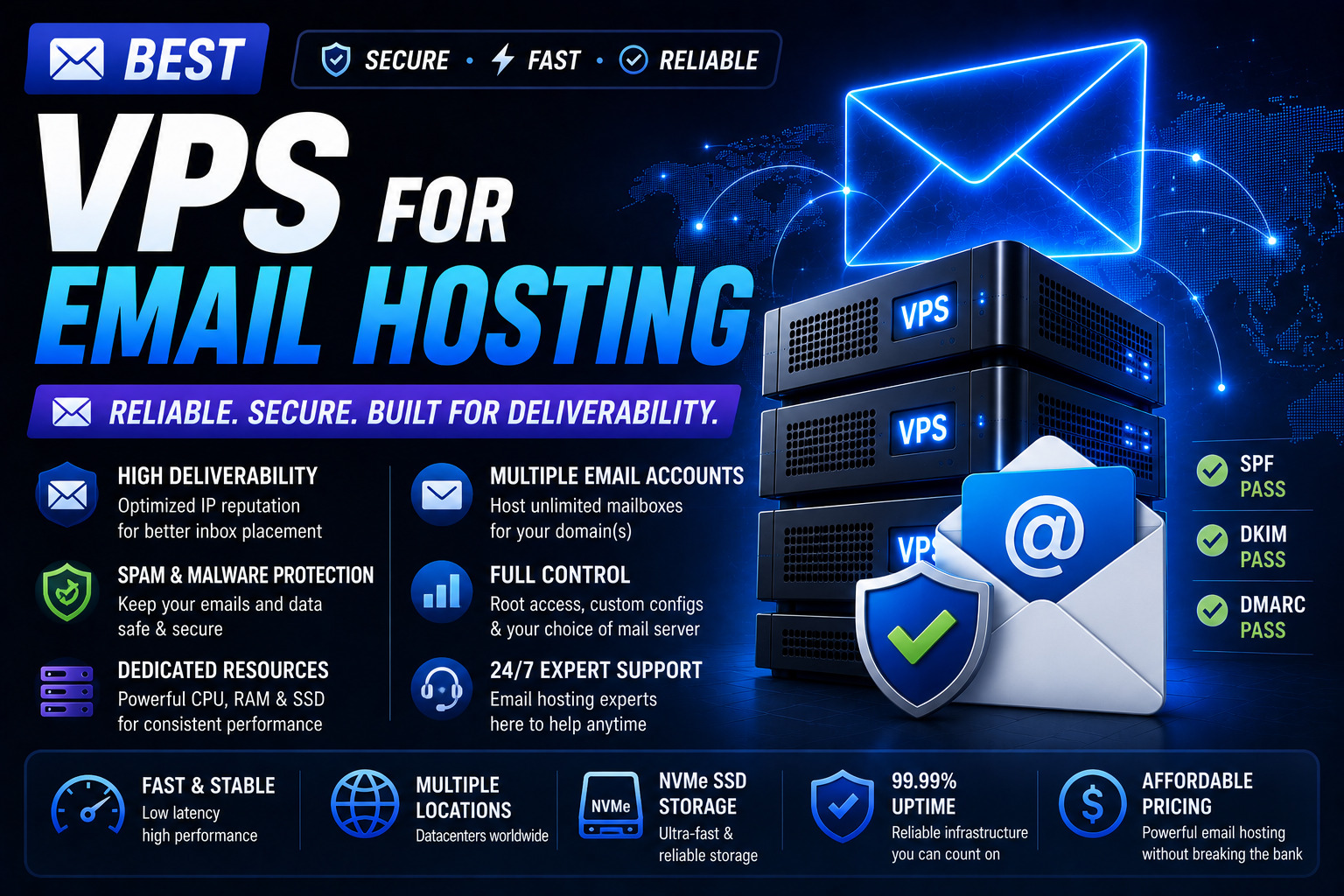
Self-hosting email on a VPS sounds awesome.
You get:
- full control
- no monthly mailbox fees
- unlimited addresses
- privacy
But here’s the truth:
Self-hosted email is one of the hardest things to run reliably on a VPS.
Not because of hardware — but because of:
- spam filters
- IP reputation
- deliverability
- DNS configuration
- blacklists
- ongoing maintenance
So before you choose a VPS for email hosting, you need to know what actually matters.
This guide covers:
- the best VPS providers for self-hosted email
- what specs you need
- which providers to avoid
- the safest way to self-host email in 2026
Quick Answer: Best VPS for Email Hosting (2026)
If you want the simplest picks:
- Best overall VPS for email hosting: Kamatera
- Best for IP reputation + stability: Inmotion Hosting
- Best budget VPS for email: Hostinger
- Best alternative (recommended): Hosted email provider
Should You Self-Host Email on a VPS?
Before we talk providers, you need to know:
Self-hosted email is not for everyone.
It’s a good idea if:
- you’re technical
- you want full control
- you’re okay troubleshooting deliverability
- you can maintain a server long-term
It’s a bad idea if:
- you run a business that depends on email
- you can’t afford deliverability problems
- you don’t want Linux headaches
If you do self-host, you should still use:
- Cloudflare DNS
- strong backups
- monitoring
What Makes a VPS Good for Email Hosting?
Email hosting has different priorities than websites.
Here’s what matters most:
1) Clean IP Reputation
The #1 factor for mail deliverability is the server IP reputation.
If you get a “dirty” IP, your emails may go to spam immediately.
Some VPS providers have better IP pools than others.
2) Reverse DNS (rDNS) Support
A mail server should have reverse DNS configured.
Many providers support rDNS, but some make it hard.
3) Port 25 Must Be Open
This is huge.
Some VPS providers block port 25 by default to prevent spam.
For self-hosted email, you need:
- outbound SMTP (port 25)
- or a workaround (SMTP relay)
4) Reliable Uptime
If your VPS is down:
- email queues fail
- inbound mail bounces
- clients stop syncing
5) DDoS + Abuse Protection
Mail servers attract:
- brute force attacks
- spam attempts
- bot logins
Recommended VPS Specs for Email Hosting (2026)
Email servers don’t need huge resources.
Small mail server (personal / small business)
- 1 vCPU
- 1–2GB RAM
- 25GB SSD
- Debian or Ubuntu
Medium mail server (multiple domains)
- 2 vCPU
- 2–4GB RAM
- 50GB SSD/NVMe
Large mail server
Most people should not run this on a VPS.
Best VPS Providers for Email Hosting (Self-Hosted)
1) Kamatera — Best Overall VPS for Email Hosting
Kamatera is a strong email VPS provider because it offers:
- good network reliability
- flexible configurations
- business-grade infrastructure
- solid support options
It’s also good for scaling if you add:
- spam filtering
- multiple domains
- mailbox storage
Pros
- flexible VPS configs
- strong infrastructure
- good uptime
- business-friendly
Cons
- managed support costs extra
- more technical than beginner VPS
➡️ Best for: serious self-hosted email setups.
2) Inmotion Hosting — Best VPS for Business Email Reliability
Inmotion Hosting is a premium provider.
If your email hosting is business-critical, Inmotion Hosting is one of the safest options because:
- uptime is strong
- support is high quality
- abuse control is better
Pros
- premium uptime
- strong support
- stable infrastructure
Cons
- expensive
- overkill for personal email
➡️ Best for: businesses that insist on self-hosting email.
3) Hostinger — Best Budget VPS for Email Hosting
Hostinger can work for email hosting if you want:
- cheap VPS
- basic setup
- small personal mail server
But budget providers can have:
- more IP reputation issues
- more abuse-related restrictions
Pros
- low cost
- beginner-friendly
- good for small mail servers
Cons
- IP reputation can be hit or miss
- not ideal for business email
➡️ Best for: personal email, testing mail servers.
VPS Providers to Avoid for Self-Hosted Email
This is important:
Some VPS providers are notorious for:
- blocked SMTP
- poor IP reputation
- heavy abuse restrictions
If you choose a provider that doesn’t support:
- rDNS
- open port 25
- clean IP reputation
…your email server will struggle.
Best Self-Hosted Email Stack (Beginner Friendly)
If you want the easiest mail server stack in 2026:
Option A (Recommended): Mailcow
Mailcow is one of the best solutions because it includes:
- Postfix
- Dovecot
- SpamAssassin
- ClamAV
- web UI
- Docker deployment
Read next: How to deploy Docker apps on a VPS
Option B: iRedMail
iRedMail is also popular.
It’s not as modern as Mailcow, but it works well.
Option C: Manual Postfix + Dovecot
This is the most flexible option, but also the hardest.
Not recommended for beginners.
Email Deliverability Checklist (Critical)
If you self-host email, you MUST configure:
✅ SPF
✅ DKIM
✅ DMARC
✅ Reverse DNS (PTR)
✅ TLS certificates
✅ Proper hostname (FQDN)
✅ Spam filtering
✅ Rate limiting
If you skip these, your email will go to spam.
The Safer Alternative (Recommended for Most People)
For most businesses, the best solution is:
- Google Workspace
- Microsoft 365
- Zoho Mail
- Proton Mail
And use your VPS only for websites/apps.
This gives you:
- excellent deliverability
- no blacklist stress
- no maintenance headaches
FAQ: VPS Email Hosting
Can you host email on a VPS?
Yes, but it requires correct DNS records and deliverability configuration.
Is it safe to host email on a VPS?
It can be safe if secured properly, but mail servers are heavily attacked and require constant maintenance.
What VPS specs do I need for email hosting?
Most mail servers run fine on 1–2GB RAM and 1–2 vCPU.
Why do emails go to spam on self-hosted VPS?
Usually because of:
- bad IP reputation
- missing SPF/DKIM/DMARC
- no reverse DNS
- blocked SMTP ports
Final Verdict: Best VPS for Email Hosting (2026)
If you insist on self-hosting email, the best VPS providers are:
- Kamatera (best overall)
- Inmotion Hosting (best reliability)
- Hostinger (best budget)
But for most businesses:
Hosted email is the smarter and safer choice.
Next Step
If you want the most secure VPS providers (important for mail servers):